Give it an identity
Use a department and stable ID, such as SND 1 (sound), LX 1 (lighting), SCN 1 (scenery), or CST 1 (costume). Agree on abbreviations with your teacher. Keep IDs when the order changes; an inserted cue could be SND 1A.
School musical production • Grades 6–12 • 35–50 minutes
One show. Many moving parts. A cue sheet tells the crew when to act, what to do, and who does it. Turn a moment in your musical into a clear plan, then print your sheet for turn-in.
The worksheet is right below. New to cues? Start with From a script moment to a repeatable cue and the Pirates worked example.
Fill in your own cues below. Blank fields stay as writing space on paper.
Your draft saves on this browser and device. Download a backup to keep it or move computers.
Write cues in show order. Use ↑ and ↓ to move a cue. Lighting cues saved in the Stage Lighting Lab can be sent here with its “Send cues to my Cue Sheet” button. IDs are yours to assign and do not change when moved. “Other” lets you name any department.
No cues yet. Add a cue or append the practice example.
Print uses landscape paper and includes only your worksheet. In the print dialog, choose your printer or “Save as PDF.” Turn off browser headers and footers for a cleaner sheet.
A cue is a planned action: start music, fade a light, move a bench, or begin a costume change. List cues in show order. A cue sheet summarizes the work; mark the same cue IDs beside their triggers in your script or score.
Use a department and stable ID, such as SND 1 (sound), LX 1 (lighting), SCN 1 (scenery), or CST 1 (costume). Agree on abbreviations with your teacher. Keep IDs when the order changes; an inserted cue could be SND 1A.
“During the song” is too vague. Use an exact spoken word, visible action, or score bar and beat: on the word “home” or bar 32, beat 1. A page number helps find a cue; it does not tell the crew when to act.
“Music” is too vague. Write Play track 03, ‘Market entrance’; fade in over 2 seconds at the rehearsed level. Name the operator. For a shift, record the object, route, destination, and crew. Stage left/right are the performer’s left/right when facing the audience.
Standby gives the crew time to prepare and acknowledge readiness. GO tells them to execute. The caller says the department and cue number, ending with GO. Agree during rehearsal how much warning each task needs; a costume change may need much more preparation than pressing play.
Some backstage actions are self-cued by an agreed exit or musical moment. Write “self-cued” in the standby field and record the exact trigger. For a quick change, name the performer, change location, dresser, new costume, and next entrance deadline. Plan scene shifts and quick changes with your teacher; confirm the route is clear before a move.
A: “Start the music near the end of the scene.”
B: “On the final word ‘tomorrow,’ Sound 2 GO; play track 04.”
B gives an observable trigger and a defined action. For your show, agree whether GO lands on that word or immediately after it. Confirm timing against the actor and conductor in rehearsal.
This is the same Act I opening that the Stage Plotting worked example turns into a ground plan. On the left is the stage manager’s marked script; below it, the cue sheet those marks become. Script text is W. S. Gilbert’s (public domain, Project Gutenberg); bracketed notes, timings and channel numbers are this production’s choices.
[Places called. House manager gives clearance.]
[Conductor reaches the podium.]
[Overture plays. Standby 8 bars before the end.]
[Cutoff of the overture’s final chord.]
(Scene.—A rocky seashore on the coast of Cornwall. … As the curtain rises groups of pirates are discovered …)
OPENING CHORUS
(FREDERIC rises and comes forward with PIRATE KING, who enters)
[Ours enters through the arch, R.C.]
KING: Yes, Frederic, from to-day you rank as a full-blown member of our band.
ALL: Hurrah!
[… dialogue continues …]
SAMUEL: An error? What error?
(RUTH rises and comes forward)
RUTH: Nay, dear master, my mind has long been gnawed by the cankering tooth of mystery.
Better have it out at once.
SONG — RUTH
When Frederic was a little lad he proved so brave and daring, …
| Cue | Department | Standby | GO trigger | Action | Owner |
|---|---|---|---|---|---|
| LX 1 | Lighting | House manager gives clearance | Conductor reaches the podium | House lights out over 5 s; pit lights stay on. | Lighting op |
| FLY 1 | Fly rail | 8 bars before the end of the overture | Cutoff of the final chord (with LX 2) | Main curtain out on a 4-count to its high mark. | Fly crew |
| LX 2 | Lighting | With FLY 1 | Same GO as FLY 1 | Rocky-shore daylight look over 4 s. | Lighting op |
| SND 1 | Sound | During the opening chorus | Pirate King steps through the arch | Unmute ch. 7 (Pirate King) at the rehearsed level. | Sound op |
| SND 2 | Sound | Samuel: “What error?” | Ruth rises | Unmute ch. 4 (Ruth). | Sound op |
| LX 3 | Lighting | Ruth: “…tooth of mystery.” | On the word “once” | Song look: warm downstage-center special; rest of stage to 50% over 3 s. | Lighting op |
Try it: click Load Pirates Act I opening in the worksheet at the top of the page to load these six cues, then add a seventh cue for the end of Ruth’s song (or insert a point cue such as LX 2.5).
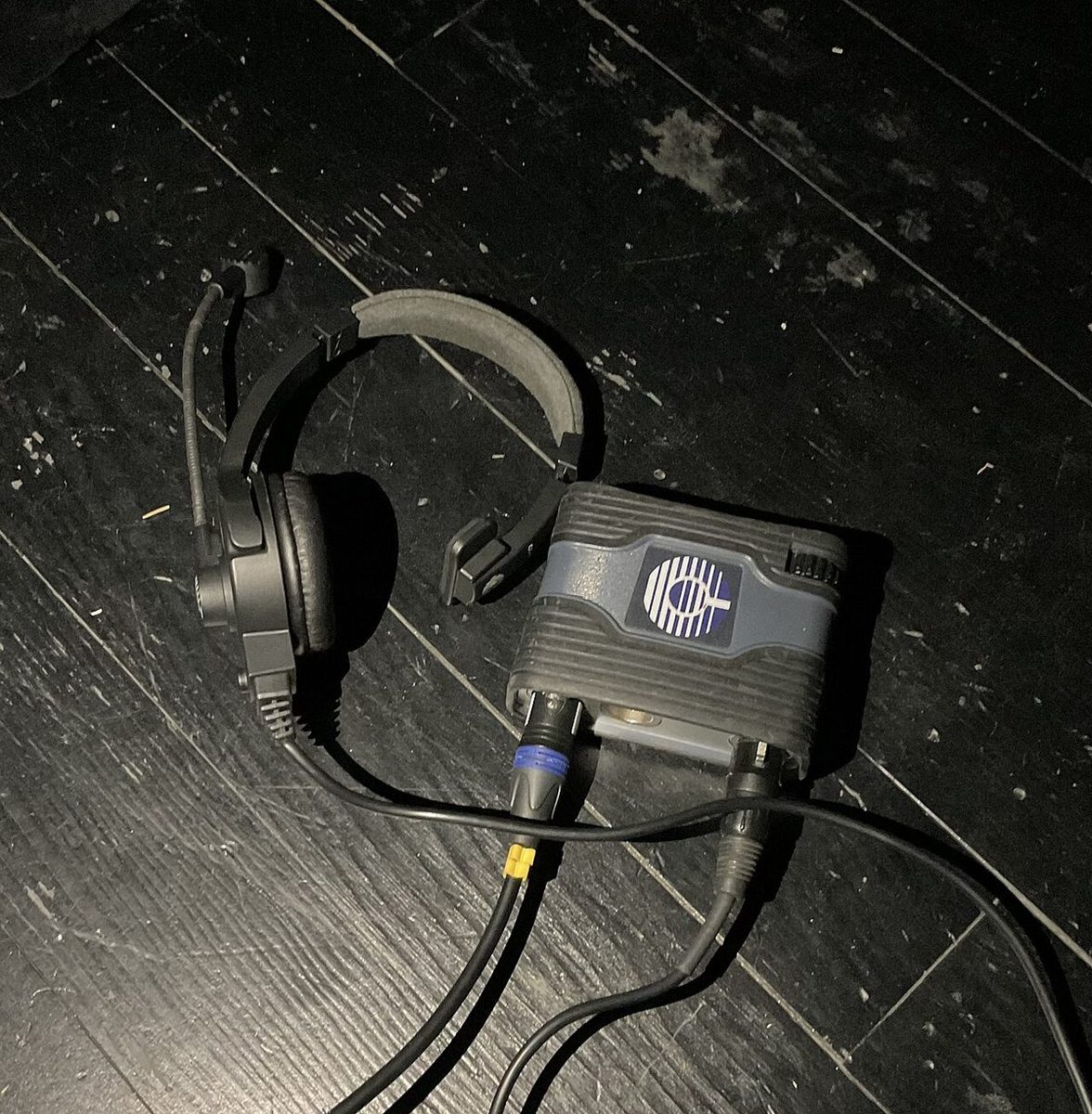
In the booth, the Stage Manager never says the word “go” in casual conversation—because operators have their fingers resting on the console trigger. Practice calling four real headset moments from The Pirates of Penzance below in strict sequence: 1. Call Standby → 2. Crew Acknowledges → 3. Watch Trigger → 4. Call GO (or HOLD).
A cue sheet evolves through five distinct stages during the final two weeks before opening night:
In Paper Tech, the Stage Manager, Director, Lighting Designer, and Sound Designer sit together without cast or crew to pencil every cue ID and trigger into the prompt book. In Dry Tech, the crew practices executing lighting fades, fly moves, and deck shifts on stage without actors.
During Cue-to-Cue, the cast and orchestra skip middle dialogue to rehearse only the 30 seconds before and after each technical transition. If the director adds a new lighting look between LX 2 and LX 3, never renumber the rest of the show—name it LX 2.5 (a point cue).
Before every performance, the Stage Manager calls time to the dressing rooms: “Half hour please” (35 min before curtain), “Fifteen minutes” (20 min), “Five minutes” (10 min), and “Places, please” (5 min). Actors and crew always reply, “Thank you, [call]!” so the SM knows the message was heard.
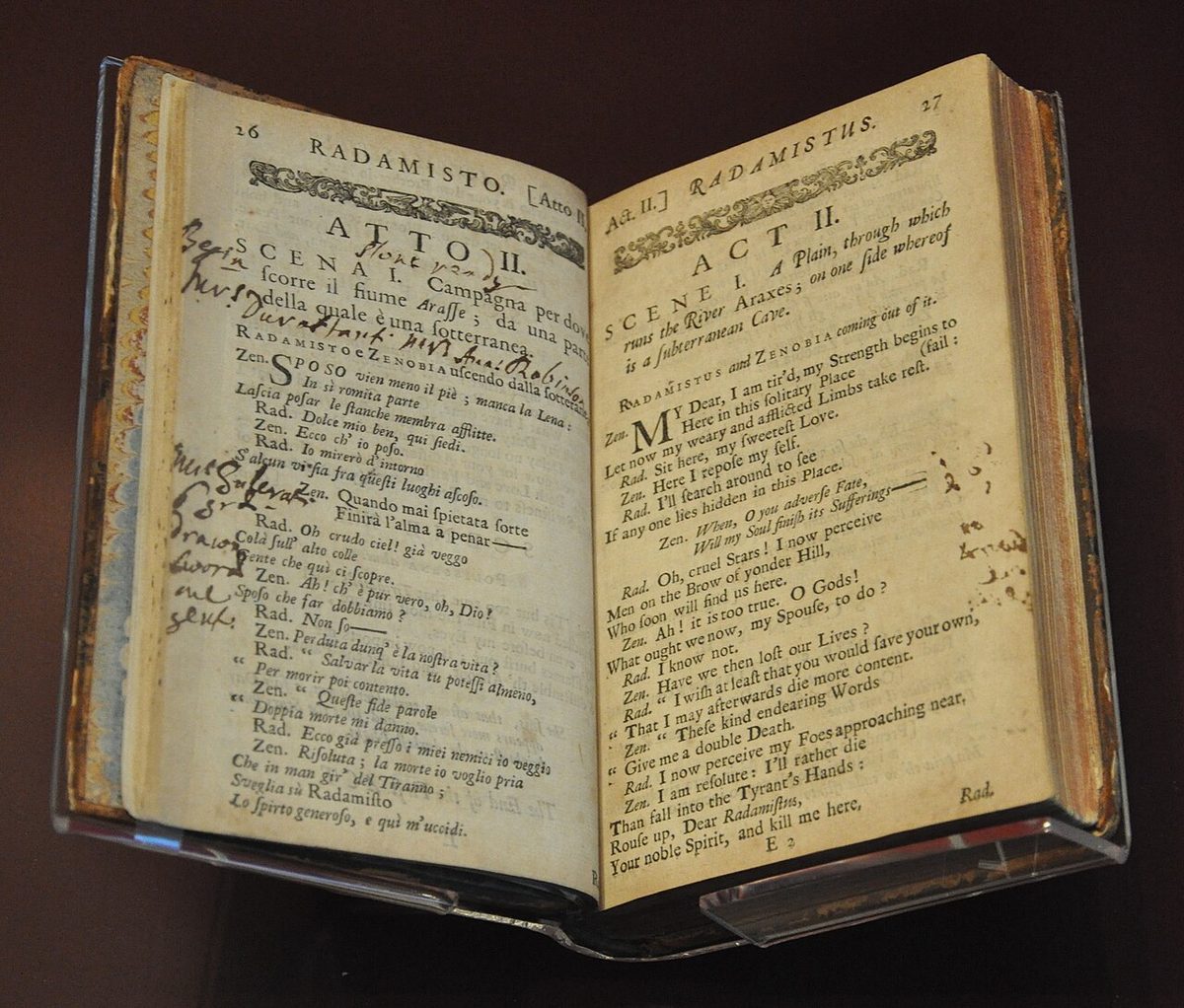
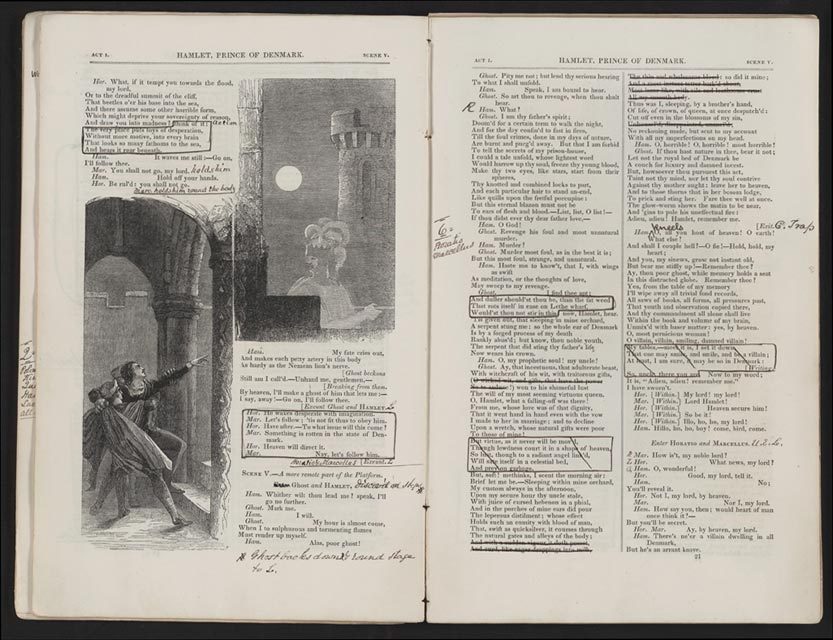
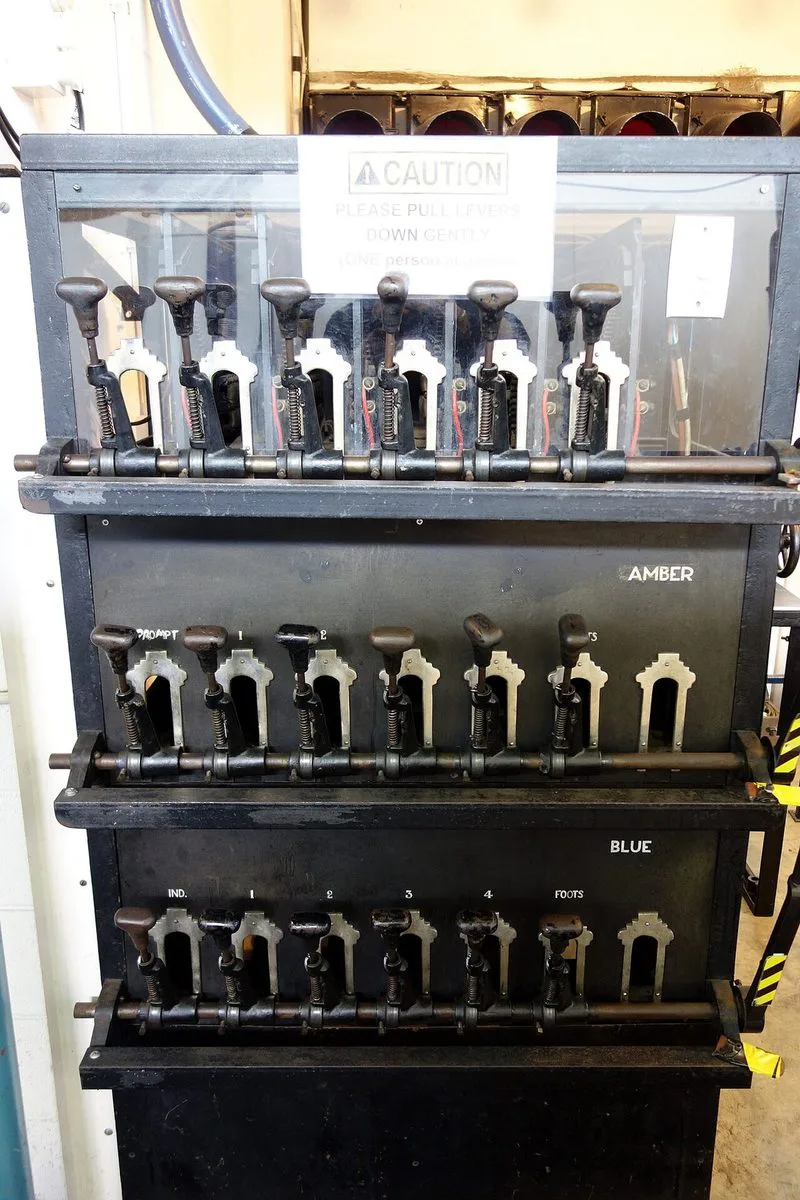
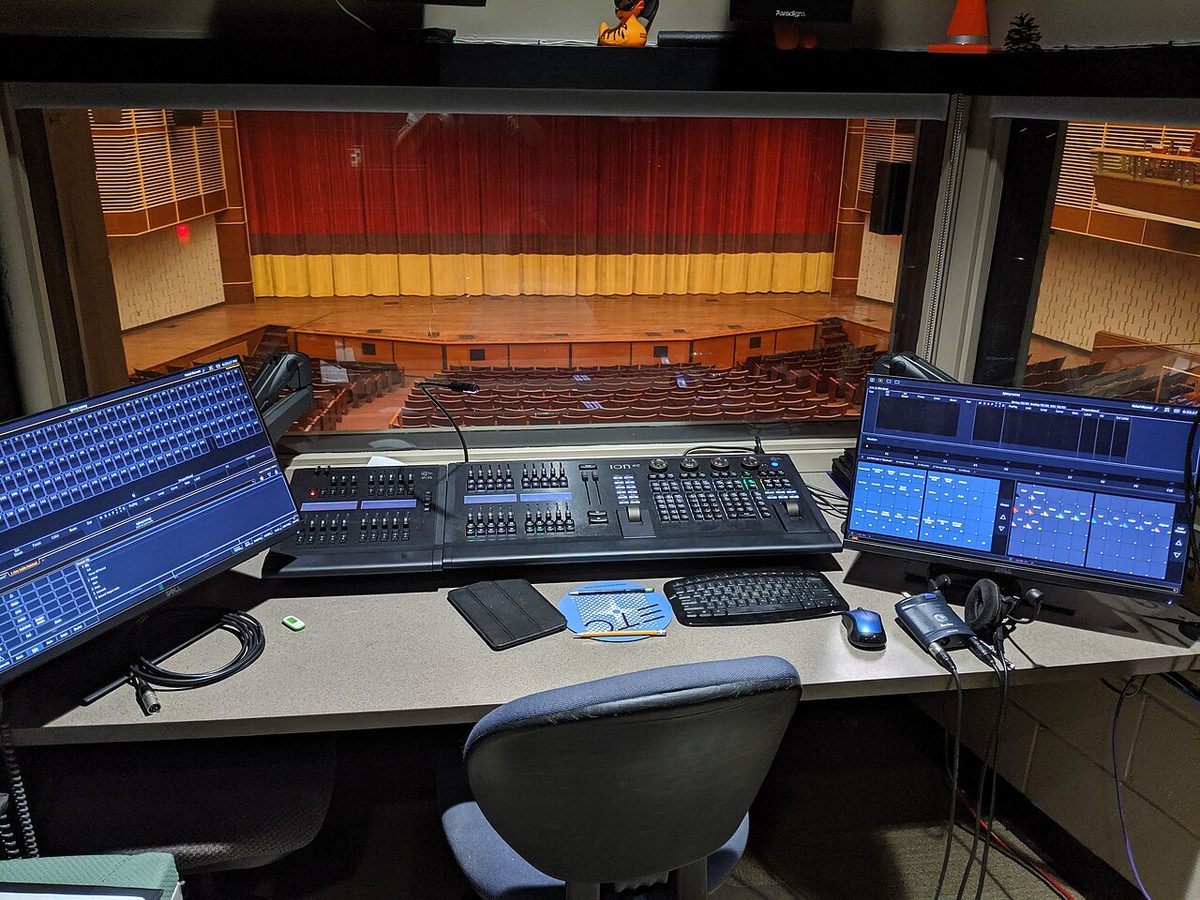
Stage managers have marked scripts for three centuries; the equipment that answers the GO keeps changing. Click a photo to enlarge it.
Further reading: Theatrecrafts: the prompt book and calling cues and communications. Examples here are invented for practice; use your production’s script and agreed crew procedures.