High-pass filter
Below the cutoff is reduced; above it passes. A steeper slope removes lows more quickly.
Equalization changes level by frequency—not “quality” in general. Climb the control ladder from a single tone knob to full parametric EQ, compare seven equalizer architectures, sweep narrow boosts to find problem resonances, and level-match so loudness never fools your ears.
Below the cutoff is reduced; above it passes. A steeper slope removes lows more quickly.
High Q is narrow and surgical. Low Q is wide and changes more neighboring frequencies.
A high shelf changes everything above its corner; a low shelf changes everything below it.
The band waits until its detector crosses the threshold, then applies its cut or boost range.
Conventional filters shift some frequencies in time. Linear-phase designs align them but add latency.
All EQs change frequency balance, but their controls, timing, phase behavior, and best uses differ. “More advanced” does not automatically mean “better.”
Controls: gain for a row of fixed frequency bands.
The name comes from the response curve drawn by its physical vertical faders. It is fast and practical for live-sound feedback control and broad room/system tuning, but less precise than a parametric EQ.
Controls: center frequency, gain, and Q/bandwidth.
The most flexible general-purpose design. Use it to isolate mud, resonance, harshness, or other specific tonal problems.
Controls: frequency and gain; Q is fixed or offers only a few choices.
Quicker and less expensive to operate, but it cannot independently choose exactly how wide the affected range will be.
Controls: corner frequency, gain, and high/low shelf.
Raises or lowers everything above or below the corner. Excellent for broad bass weight or treble brightness—not narrow resonances.
Controls: frequency, gain/range, Q, and threshold.
Acts only when energy in its band crosses above—or, in some modes, below—a threshold. It can tame harsh belting while leaving quieter vocals natural.
Controls: familiar EQ bands plus a linear-phase processing mode.
Uses look-ahead/FIR processing to preserve relative phase through the EQ, helping prevent phase smearing or cancellation in sensitive mastering and parallel paths. It adds latency and may create pre-ringing.
Controls: broad, interacting boost/cut bands that depend on the circuit.
Uses resistors, capacitors, and inductors for EQ rather than powered gain stages. Hardware pairs the passive network with amplification; models are valued for broad curves and vintage color.
Four of these types in hardware. Which card above does each photo match? Click a photo to enlarge it.
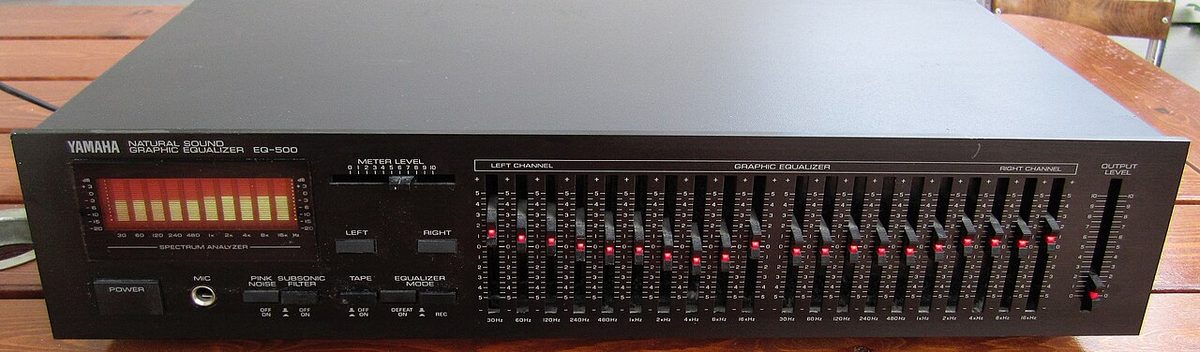
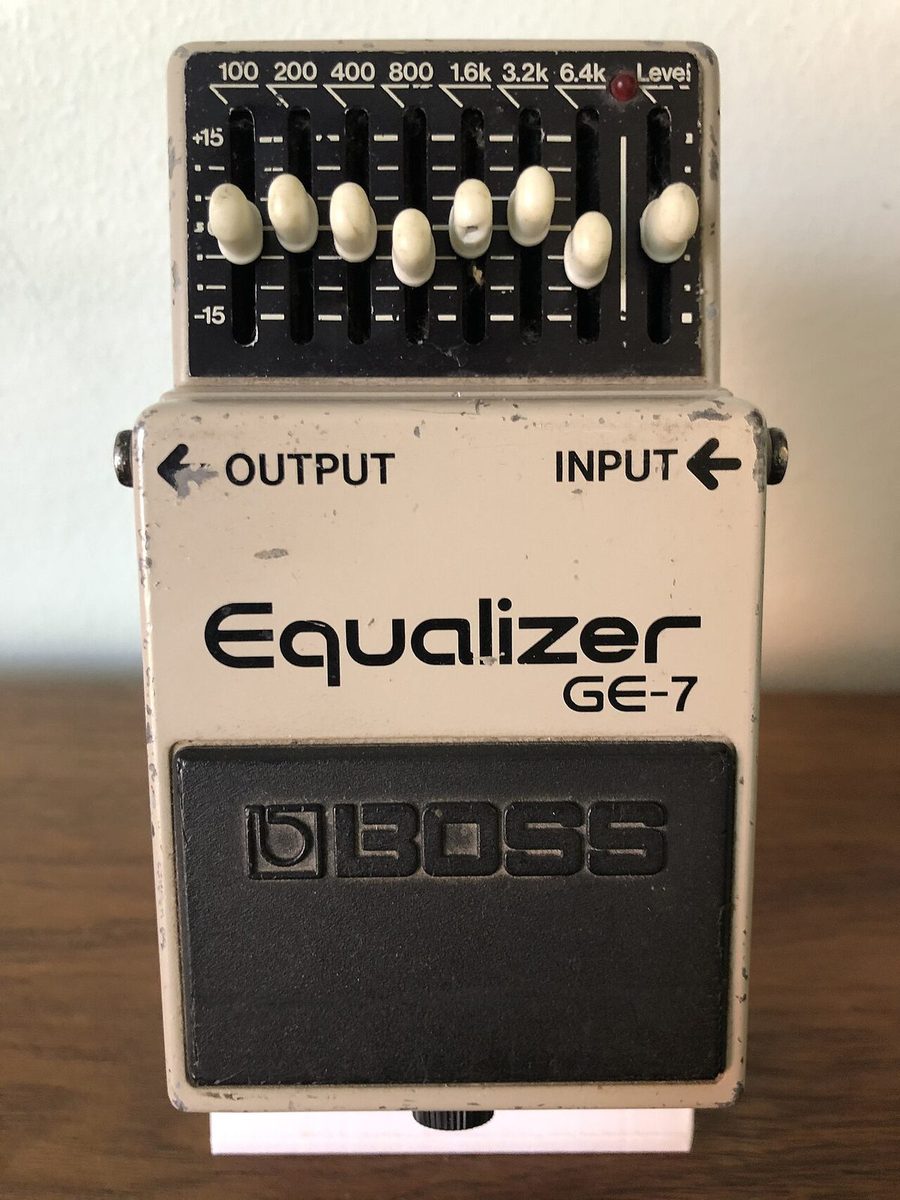
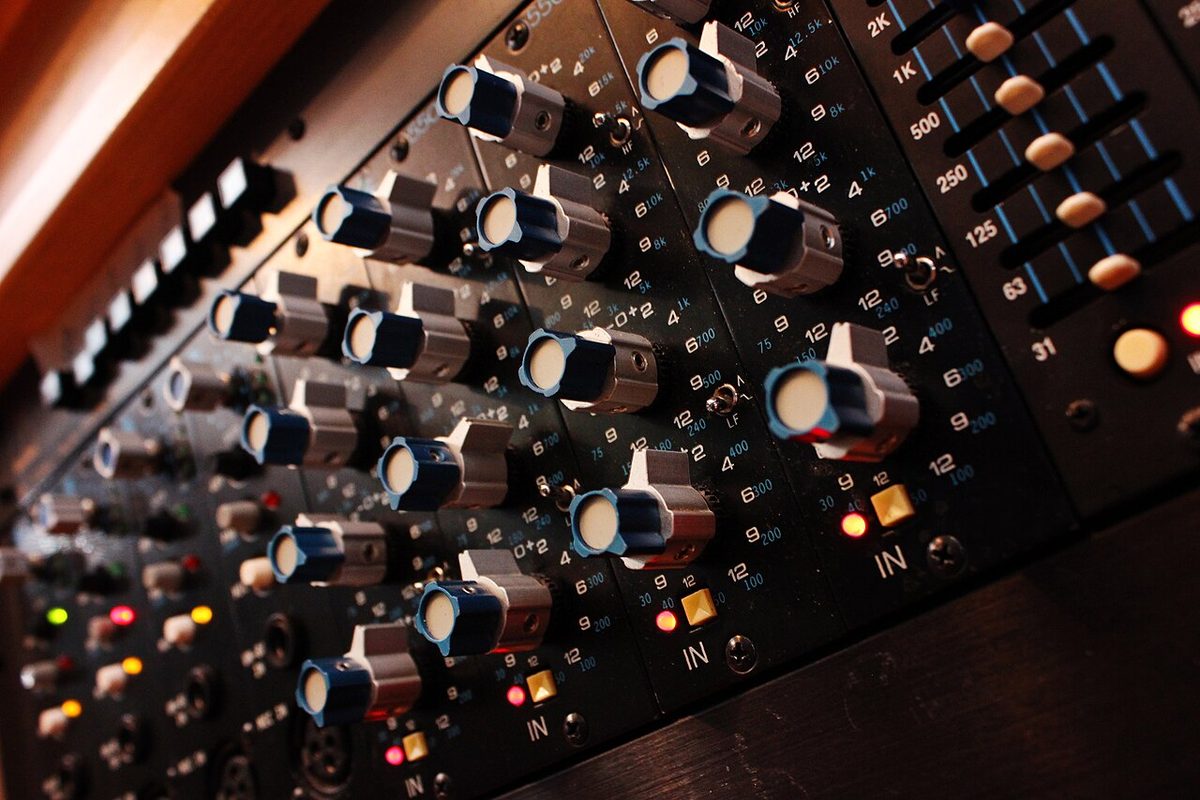
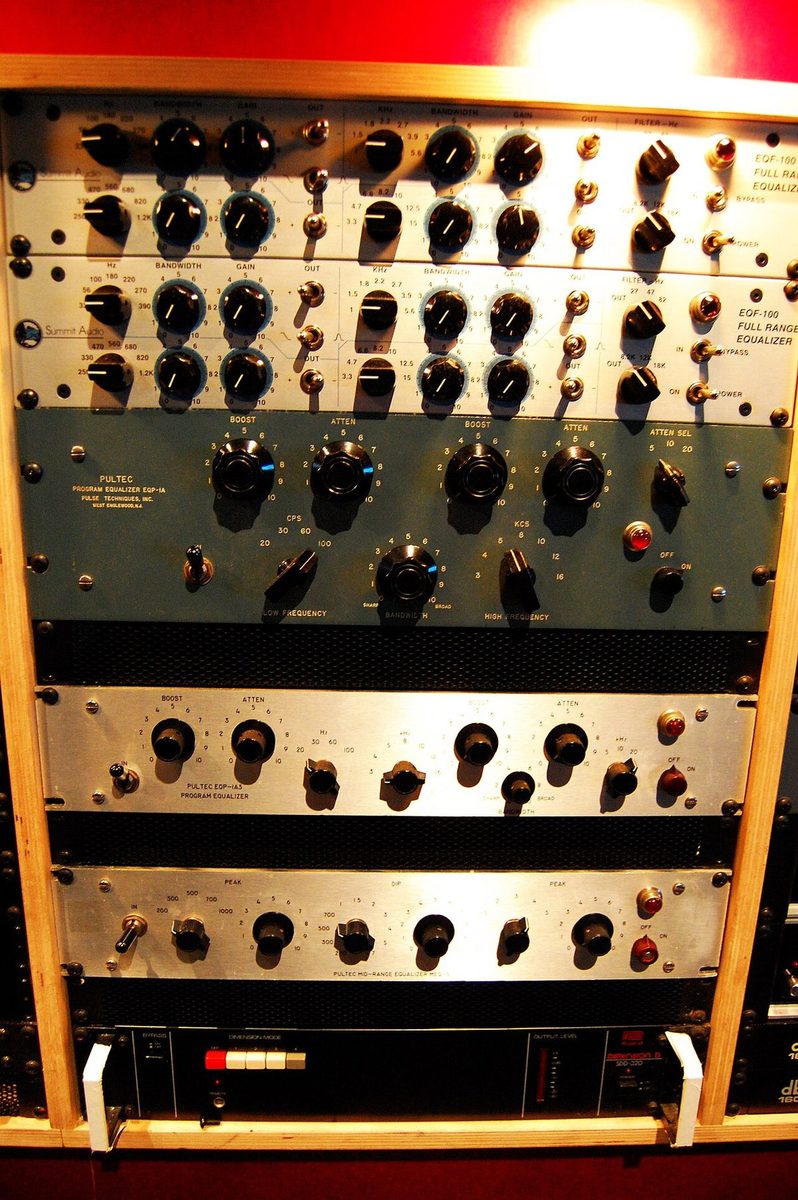
The difference between these three is how many of an EQ band's three settings you are allowed to touch: frequency (where), gain (how much) and Q / bandwidth (how wide). Each step up the ladder hands you one more.
Controls: one knob. On a guitar it's a fixed high-cut filter: turning it down darkens the sound. On a stereo or amp it's a fixed bass or treble shelf, or a "tilt" between them.
The frequency and width were chosen at the factory. It's fast, impossible to get lost in, and useless for finding one problem frequency.
Controls: gain and a sweepable frequency, with a fixed (or two-position) Q. Many mixer channel mids and live consoles work this way.
You can hunt for a frequency, but you can't make the cut narrower to avoid the notes around it.
Controls: frequency, gain and Q on every band (an SSL channel EQ or any DAW EQ).
A narrow cut can take out one ringing resonance and leave everything around it; a wide one can gently warm a voice. The most power, and the easiest to overdo.
Reach for the simplest tool that solves the problem. Brighter or darker overall: a tone knob or shelf. A boxy area you can find by ear: semi-parametric. One narrow ring, a feedback frequency, or two instruments fighting over the same spot: fully parametric. In the workbench above, compare the Parametric and Semi-Parametric types on the same problem and notice what the missing Q costs you.
A boost makes the track louder, and louder fools your ears into hearing "better." Before you A/B with bypass, use the EQ's output gain so processed and bypassed are equally loud. Then judge the tone, not the volume. The same rule applies to compressors: see Level matching in the Compression lesson.
A dramatic soloed EQ curve can be impressive and still make the full mix worse. Always judge the source in context.
A. Eight fixed frequencies keep feeding back during a live show, and the engineer must react quickly.
B. A singer becomes harsh near 3.5 kHz only on the loudest notes.
C. A mastering engineer needs EQ on a parallel signal while keeping frequency components aligned.
D. A dialogue recording has one constant 520 Hz boxy resonance that must be isolated precisely.
E. An orchestra needs a gentle, broad increase in brightness above 8 kHz.
F. A simple mixer channel offers sweepable mids and gain, but no Q knob.
G. A mix needs broad, musical tone shaping with the character of a vintage analog circuit.
Test at least four EQ types. Record the source, symptom, chosen EQ type, controls used, final setting, and whether a level-matched bypass comparison confirmed an improvement. Explain why one other EQ type was less appropriate.