A sensor kit turns a microcontroller from a simple board into a device that can react to light, sound, motion, heat, touch, distance, and time. This lesson organizes a common beginner sensor modules kit into useful categories, highlights the most important safety notes, and helps students decide which module to try first.
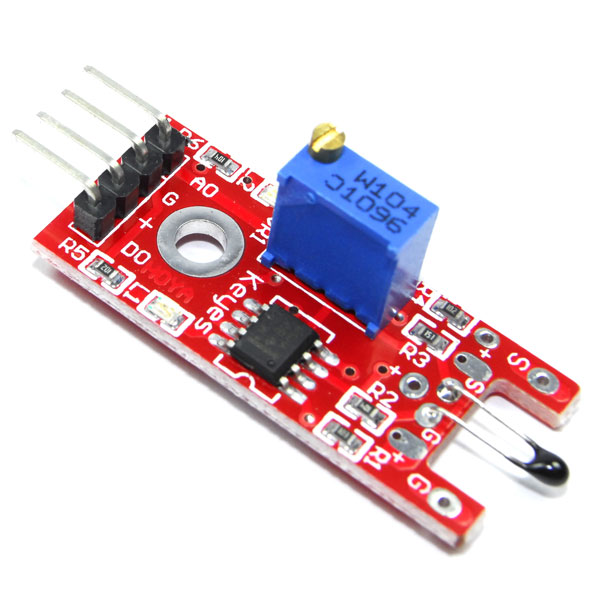
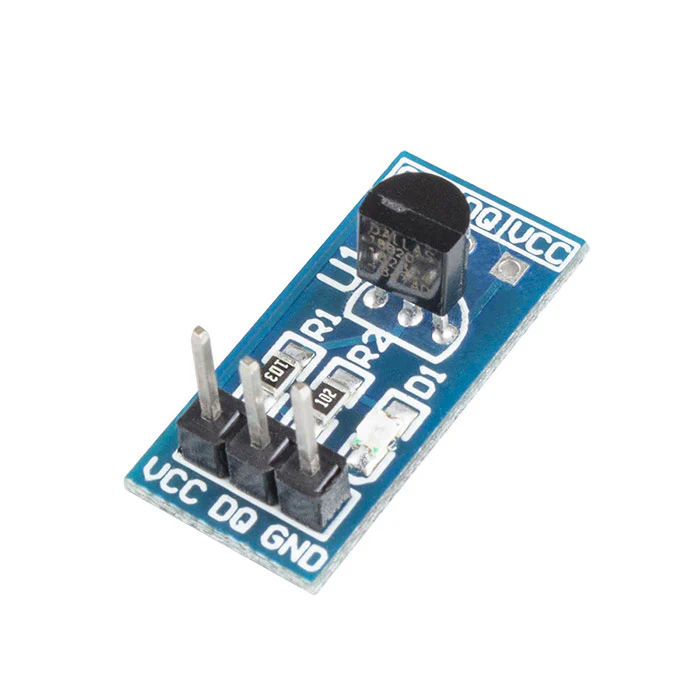
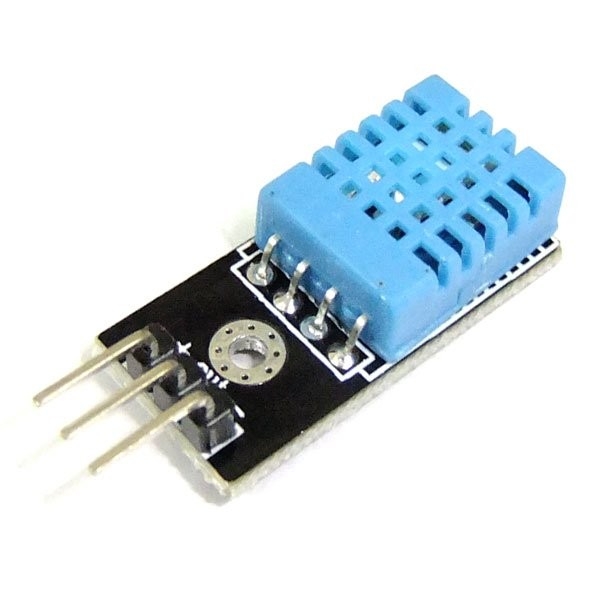
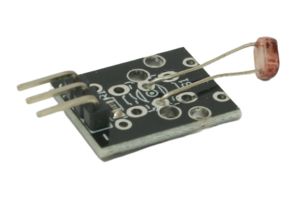
Use these photos as quick visual anchors while students sort the kit by what each board senses.
33 Examples
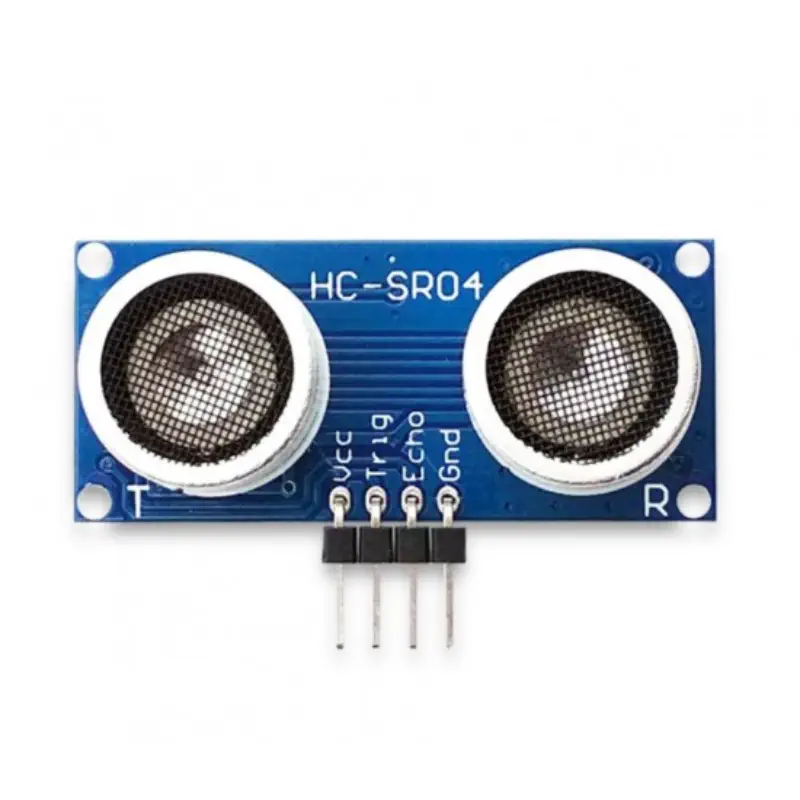
Pin WiringVCC to 5VGND to GNDTRIG to digital outputECHO to digital input
Ultrasonic sensor module for distance measurement.
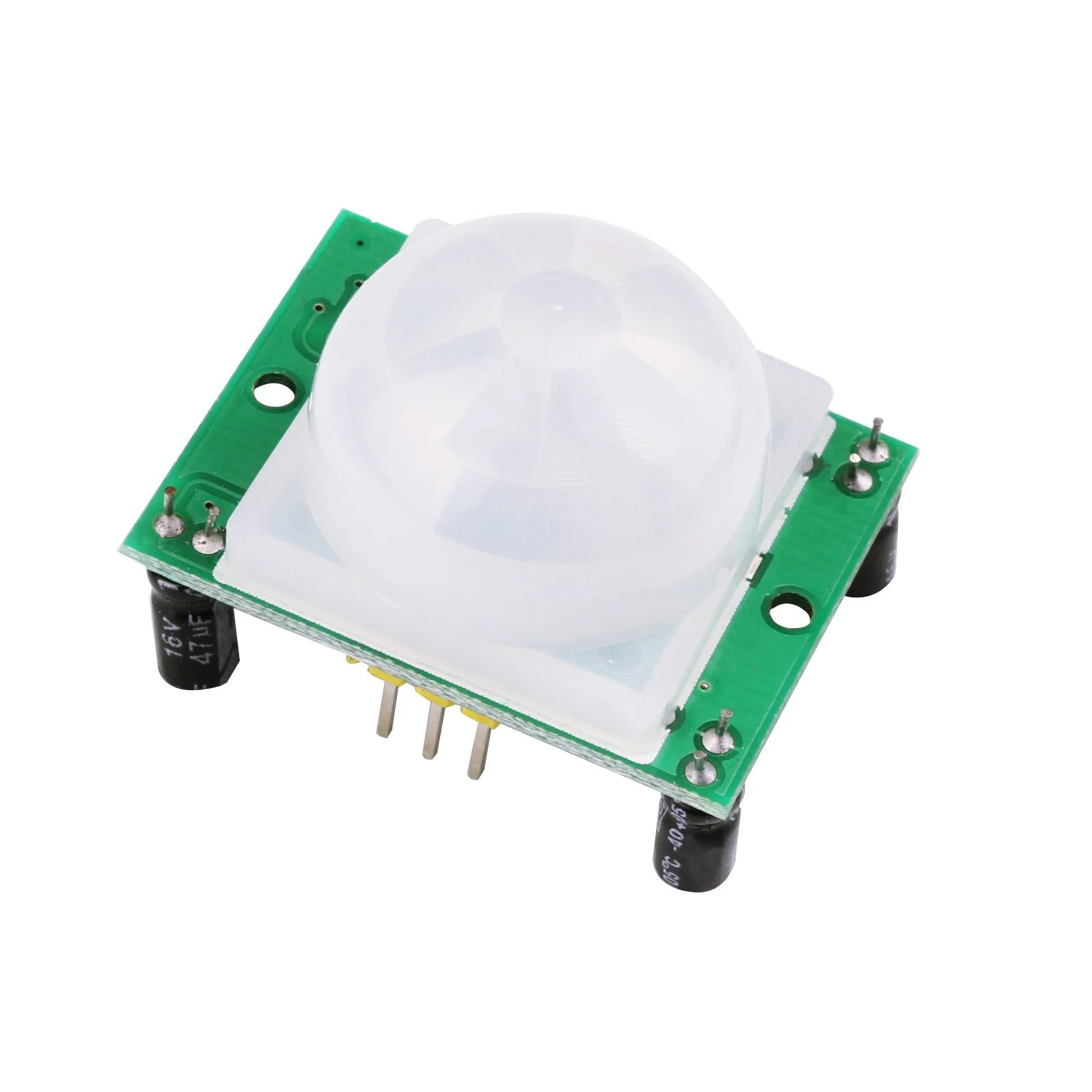
Pin WiringVCC to 5VGND to GNDOUT to digital input
PIR sensor module for detecting motion.
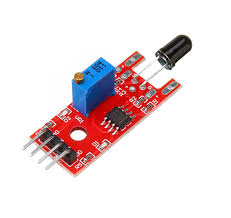
Pin WiringVCC to 5VGND to GNDDO to digital inputAO to analog input
Flame sensor module for detecting infrared light from fire.
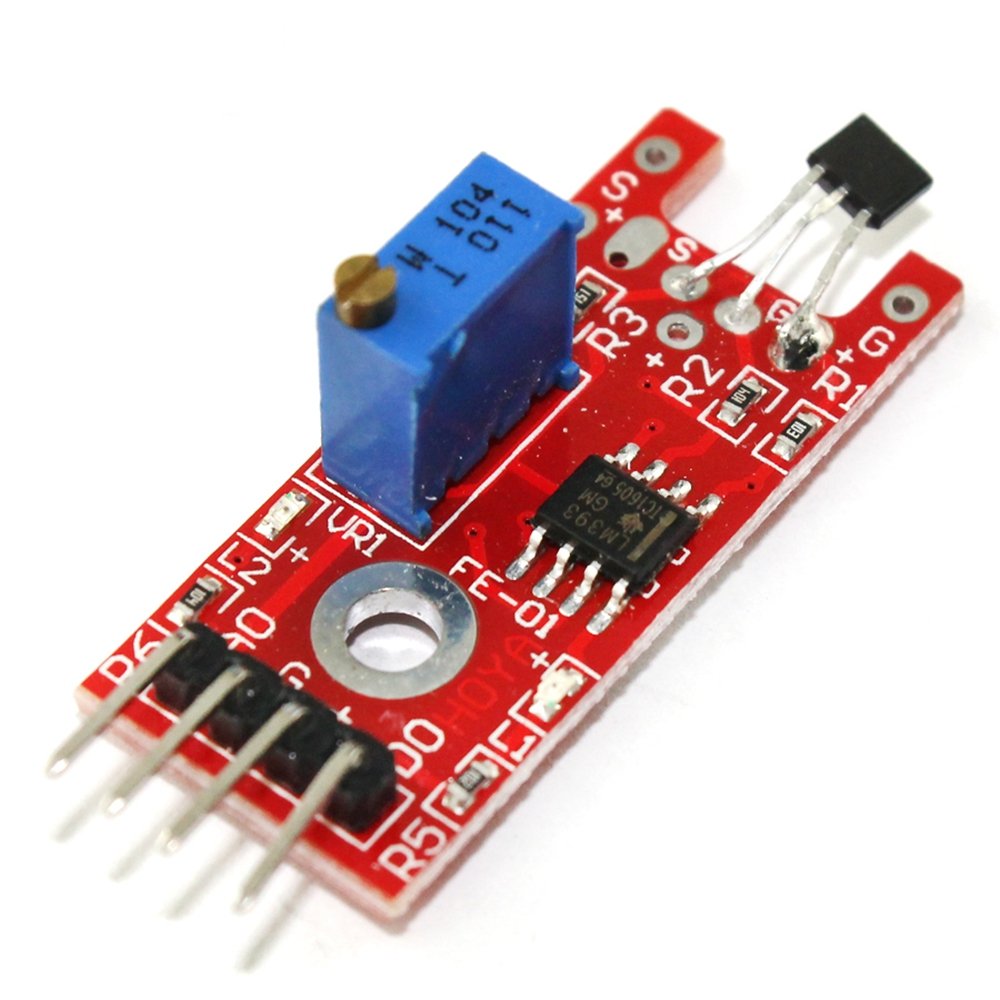
Pin WiringVCC to 5VGND to GNDAO to analog inputDO to digital input
Linear Hall module for sensing magnetic fields.
Pin WiringVCC to 5VGND to GNDS to digital input
Digital temperature module for sensing heat.
Pin WiringVCC to 5V or 3.3VGND to GNDDQ/S to digital data pin
18B20 module for digital temperature readings.
Pin WiringVCC to 5V or 3.3VGND to GNDDATA/S to digital input
Temperature and humidity module for measuring air conditions.
Pin WiringVCC to 5VGND to GNDAO to analog inputDO to digital input
Photoresistor module for measuring light level.
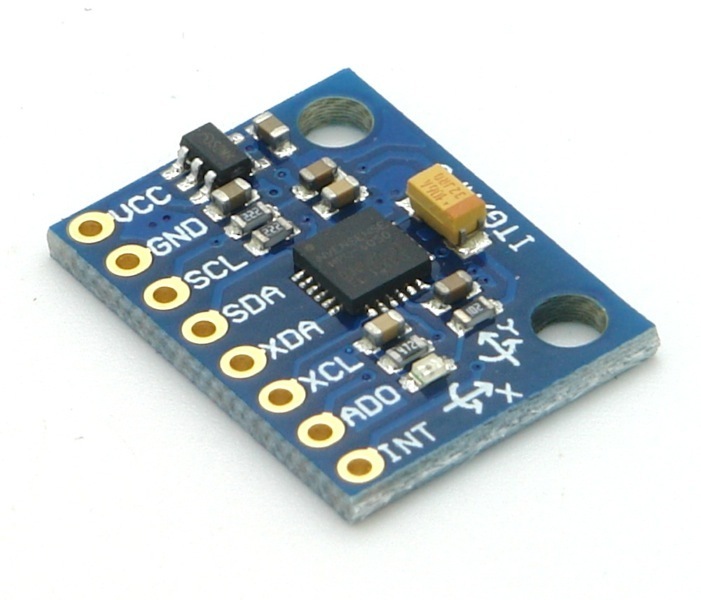
Pin WiringVCC to 3.3V or 5VGND to GNDSCL to I2C clockSDA to I2C data
GY-521 motion module for acceleration and rotation.
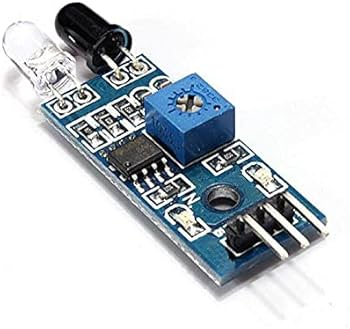
Pin WiringVCC to 5VGND to GNDOUT to digital input
Avoidance module for detecting nearby obstacles.
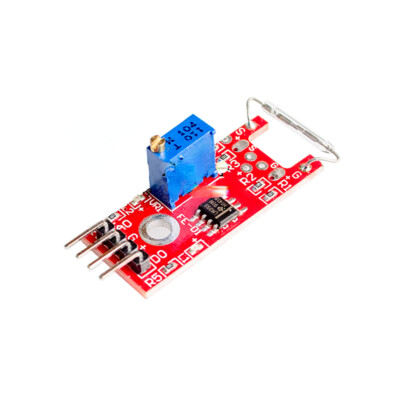
Pin WiringVCC to 5VGND to GNDS/OUT to digital input
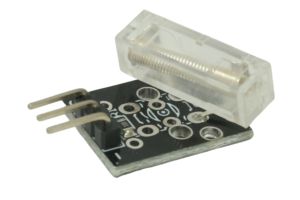
Magnetic spring module for contact and position sensing.
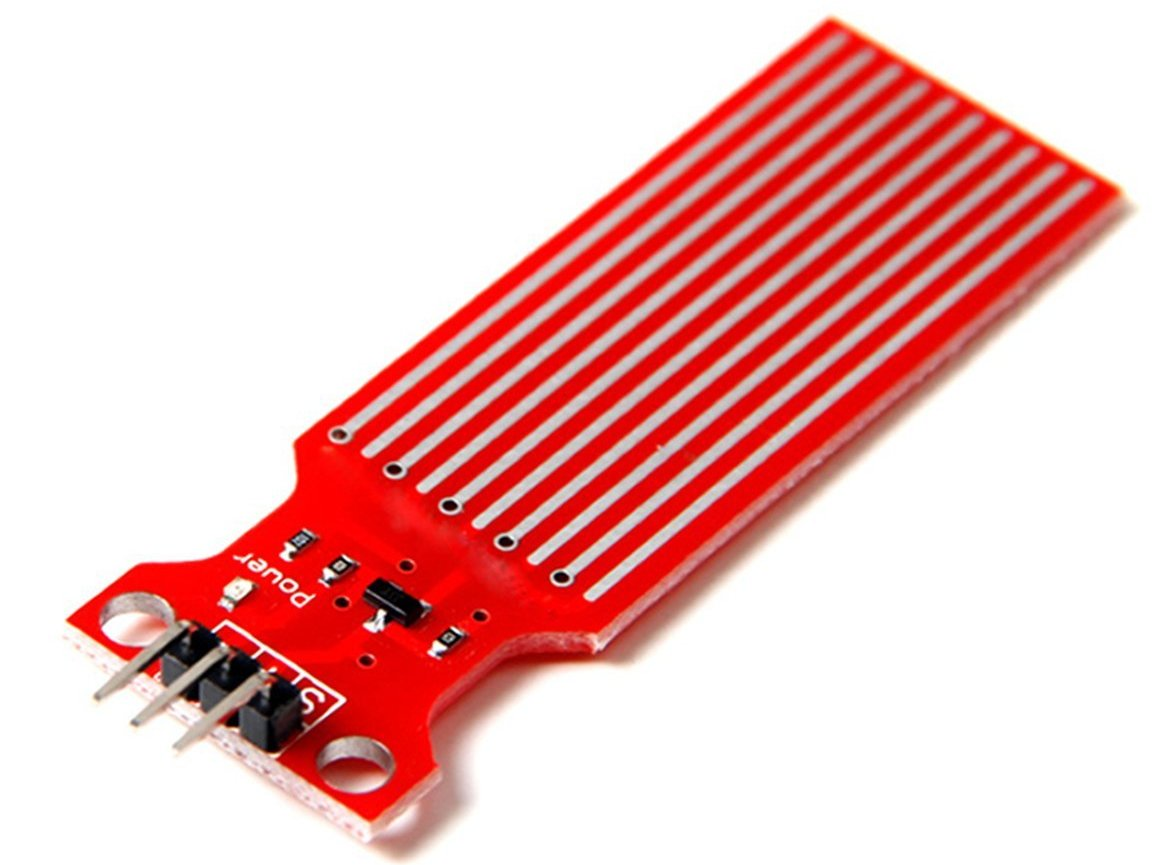
Pin Wiring+ to 5V- to GNDS to analog input
Water sensor module for detecting liquid level.
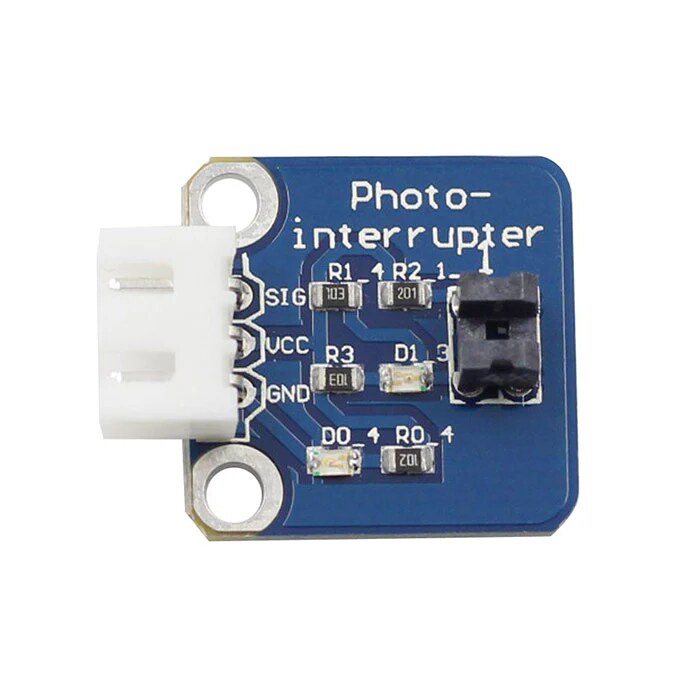
Pin WiringVCC to 5VGND to GNDOUT/S to digital input
Photo-interrupter module for detecting when an object breaks a light beam.
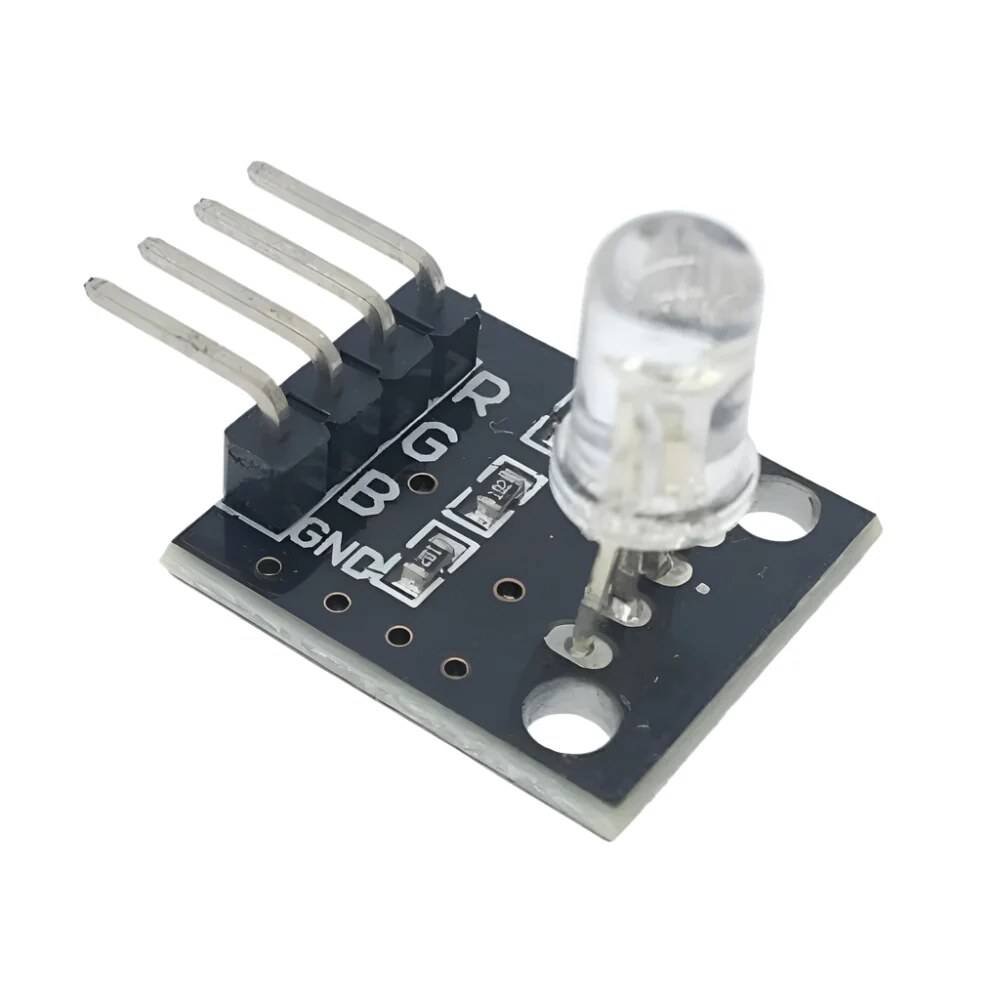
Pin WiringR to PWM digital pinG to PWM digital pinB to PWM digital pin- / GND to GND
RGB LED module for mixing red, green, and blue light with PWM.
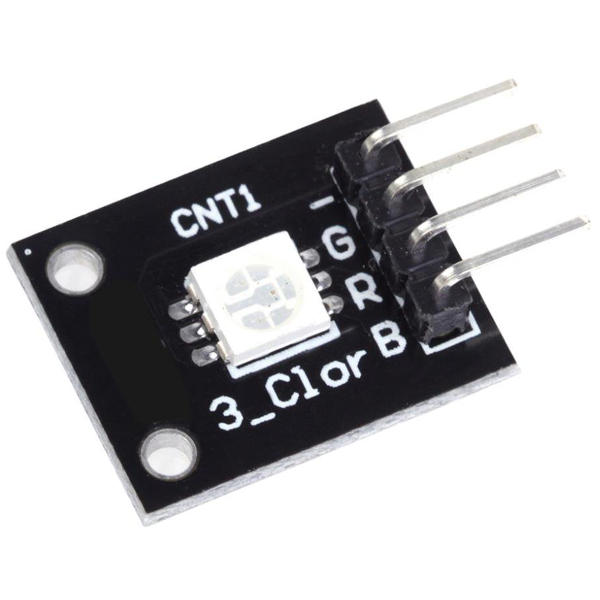
Pin WiringR to PWM digital pinG to PWM digital pinB to PWM digital pin- / GND to GND
SMD RGB module for compact color mixing with PWM control.
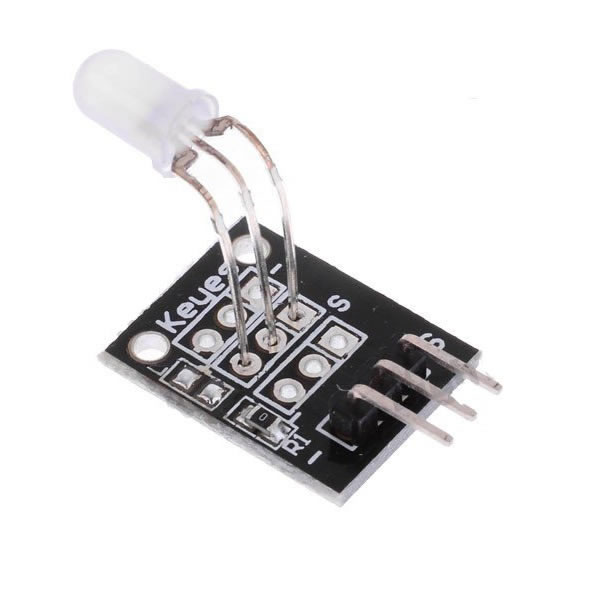
Pin WiringR to digital/PWM pinG to digital/PWM pin- / GND to GND
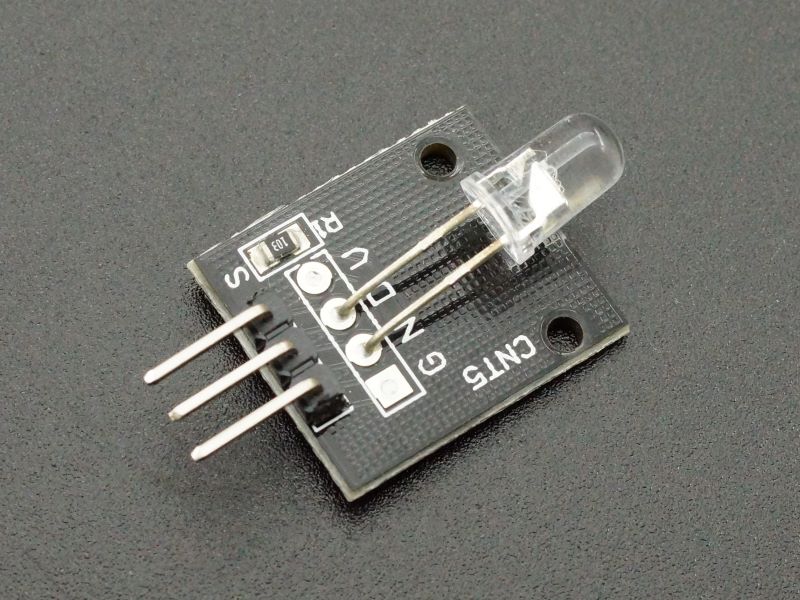
Two-color LED module for red, green, or mixed-color status output.
Pin WiringS to digital output+ to 5V- to GND
Seven-color flash LED module for simple automatic color effects.
Pin WiringS to digital output+ to 5V- to GND
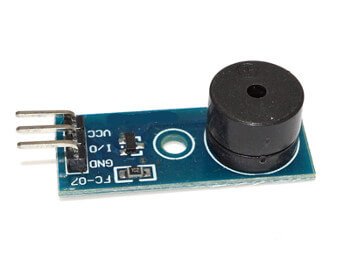
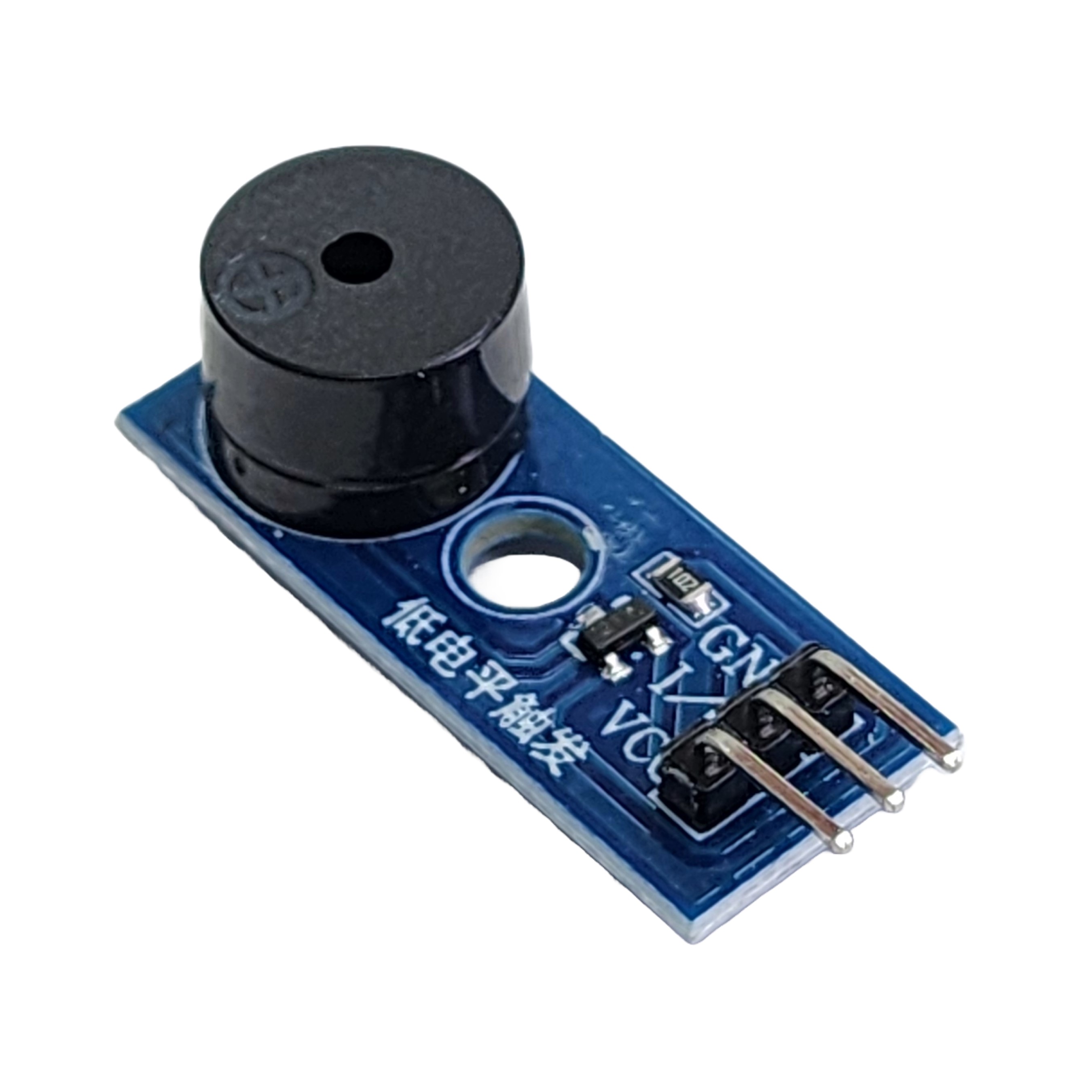
Active buzzer module for simple on/off sound output.
Pin WiringS to PWM/tone pin+ to 5V- to GND
Passive buzzer module for programmable tones and pitches.
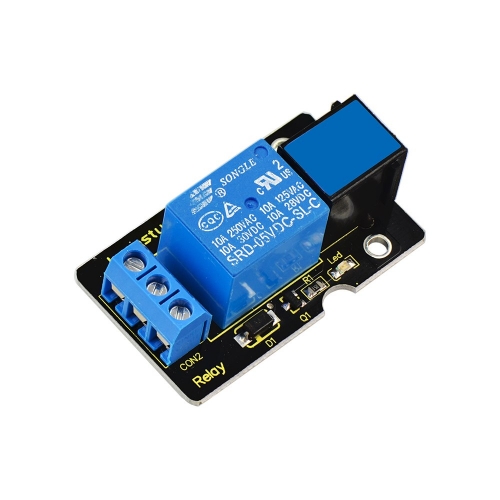
Pin WiringVCC to 5VGND to GNDIN/S to digital outputCOM/NO/NC to switched circuit
Relay module for switching a separate higher-power circuit.
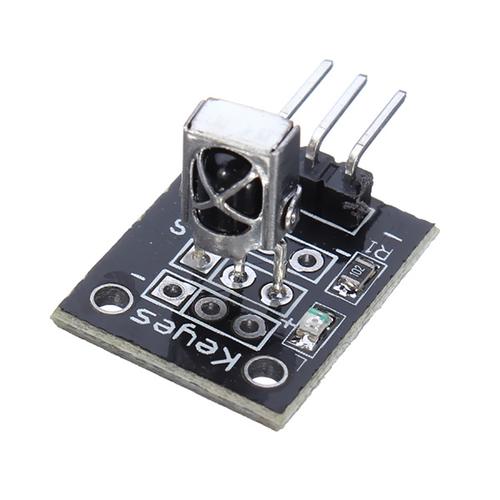
Pin WiringS/OUT to digital input+ to 5V- to GND
IR receiver module for reading signals from infrared remotes.
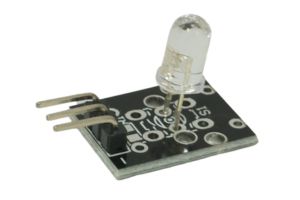
Pin WiringS/IN to digital output+ to 5V- to GND
IR emission module for sending infrared light signals.
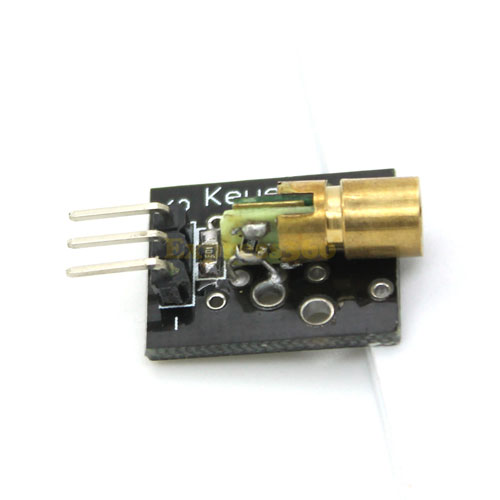
Pin WiringS/IN to digital output+ to 5V- to GND
Laser transmitter diode module for narrow-beam light output.
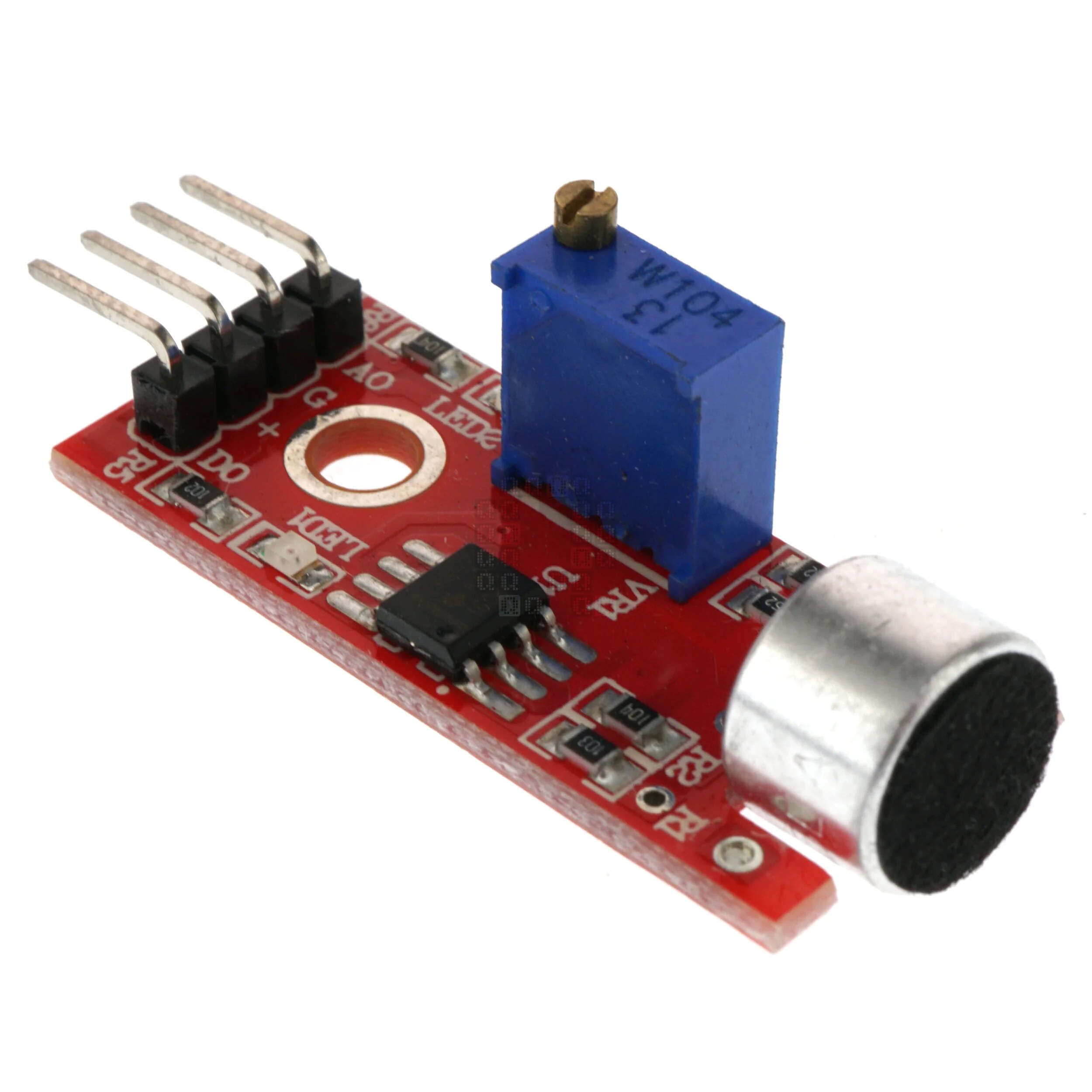
Pin WiringVCC to 5VGND to GNDAO to analog inputDO to digital input
Sound sensor modules for detecting noise level or sound events.
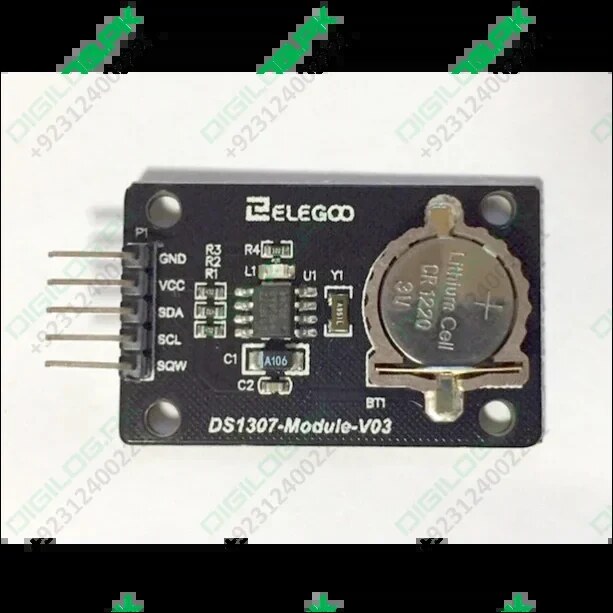
Pin WiringVCC to 5VGND to GNDSCL to I2C clockSDA to I2C data
DS1307 real-time clock module for keeping date and time.
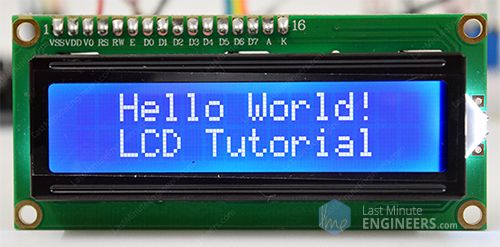
Pin WiringVCC to 5VGND to GNDSCL to I2C clockSDA to I2C data
LCD module for displaying sensor values and messages.
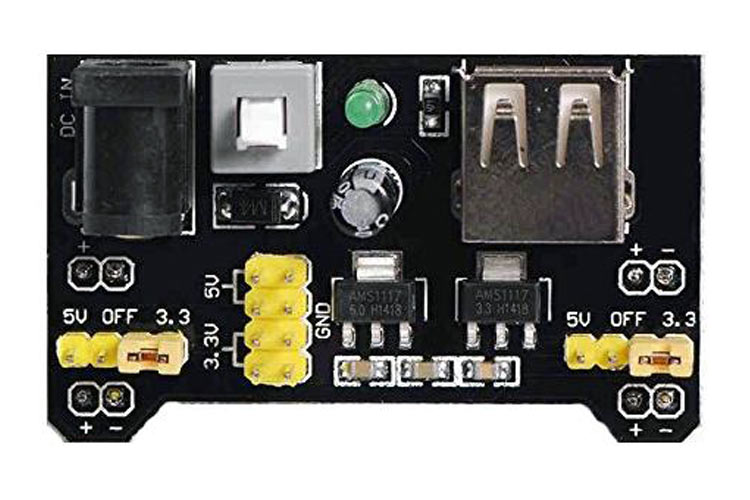
Pin WiringDC IN to 6.5V-9V supply5V to breadboard + rail3.3V to low-voltage railGND to breadboard - rail
Breadboard power supply module for feeding 5V or 3.3V rails.
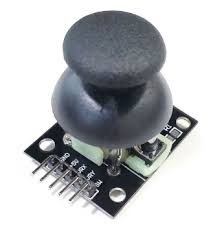
Pin WiringVCC to 5VGND to GNDVRx to analog inputVRy to analog inputSW to digital input
Joystick module for reading X/Y movement and push-button input.
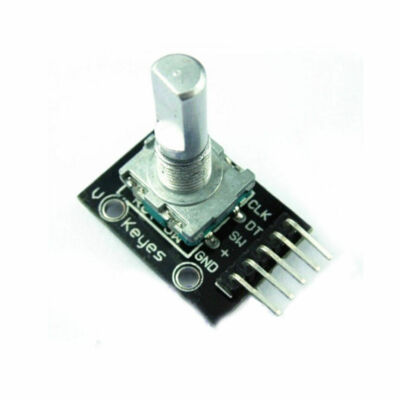
Pin Wiring+ to 5VGND to GNDCLK to digital inputDT to digital inputSW to digital input
Rotary encoder module for reading turns, direction, and button presses.
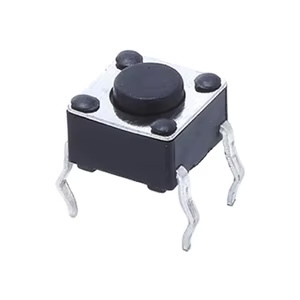
Pin WiringS to digital input+ to 5V- to GND
Button module for simple press and release input.
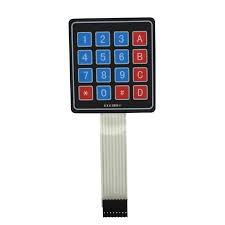
Pin WiringS to digital input+ to 5V- to GND
Membrane switch module for touch-style press input.
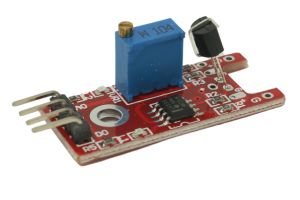
Pin WiringS to digital input+ to 5V- to GND
Metal touch module for detecting finger contact on a conductive pad.
Pin WiringS to digital input+ to 5V- to GND
Tap module for detecting knocks, taps, or vibration events.
Kit Overview
This style of sensor kit is popular because it gives beginners a large variety of modules at a relatively low cost. It works well as an introduction to physical computing because each board usually exposes a simple set of pins for power, ground, and signal.
Compatibility Note The kit is commonly used with Arduino-style boards and is also compatible with STM32 hardware in principle, but STM32 wiring and software support may require separate tutorials and examples.
Power Warning The Elegoo power supply module expects 6.5V to 9V DC through a 5.5 mm × 2.1 mm plug. Do not exceed that range, or you risk damaging the board and other chips connected to it.
What is included The kit provides sensor and interface modules only. You still need jumper wires and a controller board to actually use them.
Best use case Quick labs where students compare many sensing methods without soldering separate circuits from raw parts.
What to learn first Always identify whether a module is an input sensor, an output device, or an interface board before wiring it.
How To Think About Sensor Modules
Not every board in a sensor kit is actually a sensor. Some are inputs that measure the world, some are outputs that create light or sound, and some are support modules that handle display, power, or communication.
Type
What It Does
Examples From This Kit
Environmental / Physical Input
Measures light, motion, sound, temperature, humidity, water, or magnetic effects
Photo-resistor, PIR, flame, hall, sound, DS18B20, DHT-style temperature-humidity, water level