Explain how a commit preserves a meaningful checkpoint instead of replacing the past.
Learning paths / Ideas to Internet / GitHub
Founded 2008 · Version control for human collaboration
Ideas become shared.
Git remembers every useful change. GitHub gives that history a meeting place. Together, they let people prototype websites, document inventions, review one another’s work, and publish ideas to the world.
01
Start with a questionREADME.md · “Could a site help our club share events?”
02
Make the smallest versionindex.html · one page, one audience, one job
03
Invite a useful reviewpull request · explain the change, test the link
04
Publish and learnGitHub Pages · prototype live, history preserved
00 / ORIENT
One platform, three powers
This is not simply cloud storage. GitHub combines a project home, a detailed memory of change, and a structured conversation about what should happen next.
Use a branch, pull request, review, and merge to improve work without everyone editing the same copy.
Choose an idea that fits GitHub, organize its repository, and publish a safe static prototype with Pages.
2008
A social layer for software
GitHub launched in 2008 as a place to host Git repositories and collaborate on code. Its big idea was human: make change visible, discussable, reviewable, and reusable. Today the same workflow can support a science dashboard, club website, game prototype, hardware documentation, art portfolio, research notebook, or almost any idea that benefits from files plus a clear history.
01 / MODEL
Git is the memory. GitHub is the meeting place.
Keep these two ideas separate and the rest of the system becomes much easier to understand.
Git
A version-control system that tracks snapshots of files. It can work locally on one computer without GitHub.
GitHub
An online platform that hosts Git repositories and adds accounts, issues, pull requests, reviews, project tools, and Pages hosting.
The project folder, its files, and the history of those files.
A named checkpoint: what changed, who changed it, and when.
A safe line of work where an idea can grow without disturbing the main version.
A focused conversation about a task, question, proposal, or problem.
A request to compare, discuss, test, and possibly merge one branch into another.
The act of bringing approved changes together into the shared line of work.
02 / PRACTICE
Work inside a real-feeling repository
You are joining lunar-field-guide, a student Pages project built with public-domain NASA science imagery. Inspect its files, commit a focused change on a branch, open a pull request, pass review, merge, and watch the published site update.
orbital-classroom /lunar-field-guidePublic
Files2 commits
lunar-field-guide / README.mdPreview
Lunar Field Guide
A small, accessible atlas that compares worlds using spacecraft observations and clearly credited public-domain media.
<main class="atlas">
  <h1>Lunar Field Guide</h1>
  <section id="world-cards" aria-label="World comparisons"></section>
</main>
<script src="script.js"><\/script>
[
  { "name": "Moon", "diameterKm": 3475, "image": "assets/moon-lro-nasa.jpg" },
  { "name": "Earth", "diameterKm": 12742, "image": "assets/earth-blue-marble-nasa.jpg" }
] 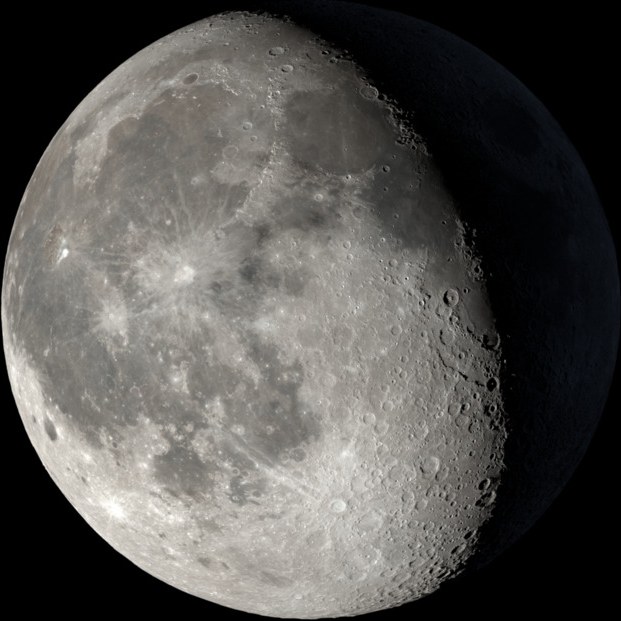
moon-lro-nasa.jpg
A photographic mosaic assembled from 1,231 Lunar Reconnaissance Orbiter Narrow Angle Camera images.
NASA SVS source and credits ↗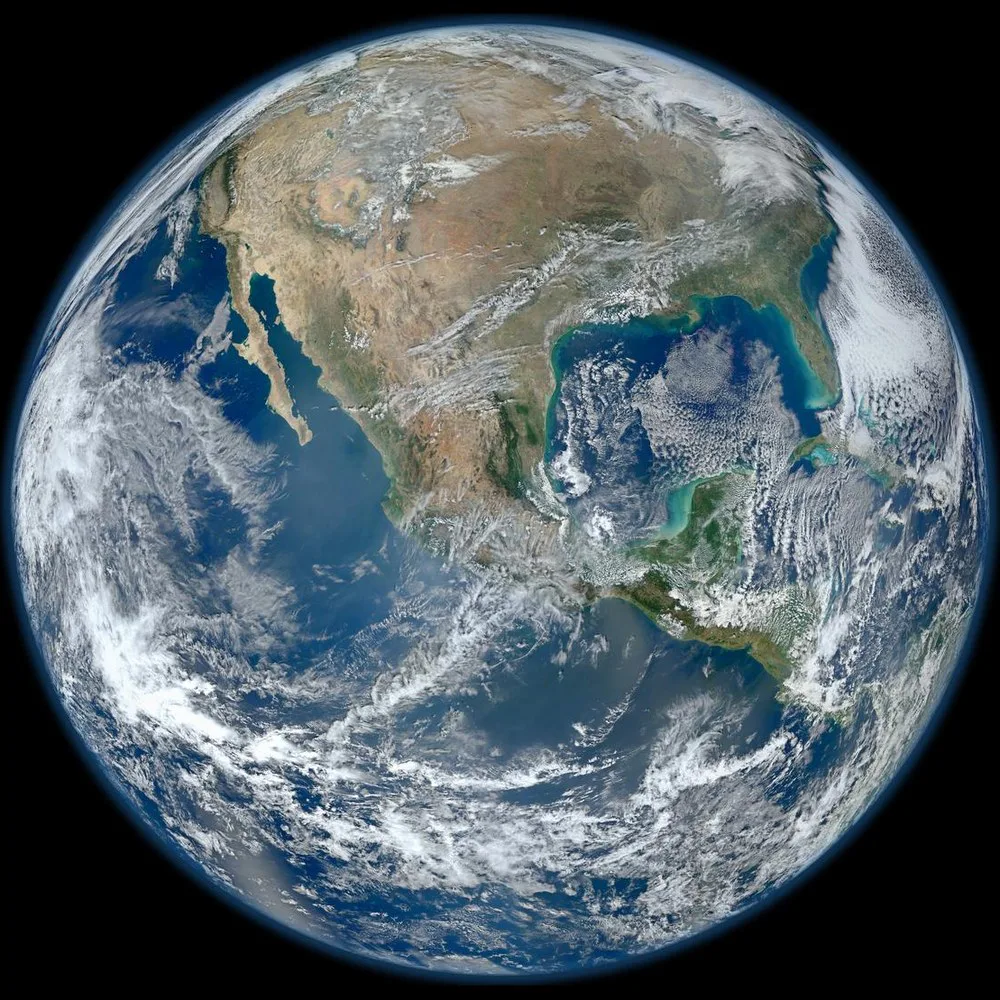
earth-blue-marble-nasa.jpg
The 2012 Blue Marble composite uses VIIRS observations collected by the Suomi NPP satellite.
NASA SVS source and credits ↗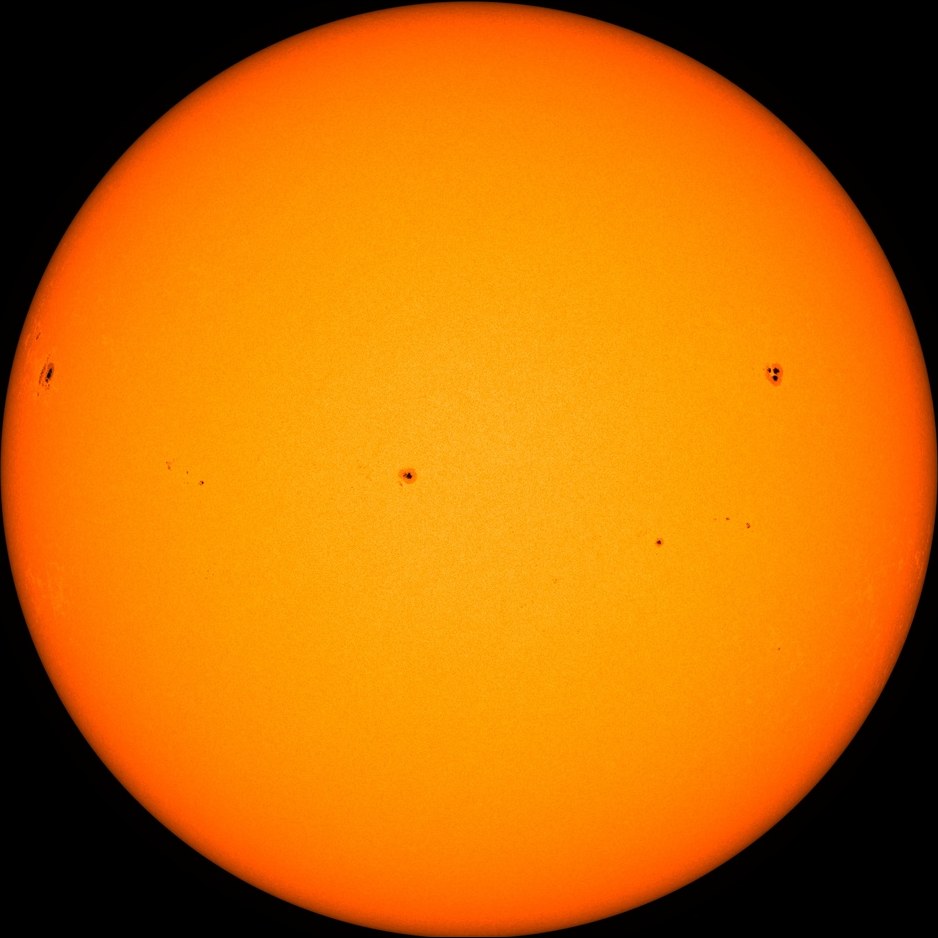
sun-sdo-hmi-nasa.jpg
The Solar Dynamics Observatory’s HMI instrument records the solar photosphere in a narrow range of visible light.
NASA SVS source and credits ↗1 changed file is ready to commit.
Recent commits
8bd14e2Start lunar atlas
a42e61cAdd Earth and Moon facts
Next: commit the Sun card on the feature branch.
2 open issues
○Add a visible-light Sun comparison
Define “done”: credited image, accurate diameter, useful alt text.
Define “done”: credited image, accurate diameter, useful alt text.
○Test card layout at 375 px
Make sure the atlas works on a phone.
Make sure the atlas works on a phone.
No open pull requests
Add visible-light Sun comparison #1
- 2 world cards
- Moon and Earth only
- Moon and Earth only
+ Sun card and diameter
+ descriptive alt text
+ NASA SVS source credit
+ descriptive alt text
+ NASA SVS source credit
✓HTML and JSON checks passed
✓Image has alt text and source credit
○Review required from teammate Theo
PAGES · MAIN BRANCH
Lunar Field Guide
Published version: Moon and Earth. Merge the pull request to deploy the new Sun comparison.
Authentic media: NASA Scientific Visualization Studio. Its visualizations are public domain unless otherwise noted. This lesson reuses existing local copies and keeps source, mission, and alt-text information beside the files.
03 / COLLABORATE
The GitHub flow is a conversation with evidence
Each step reduces a different risk: unclear work, accidental breakage, invisible decisions, or untested changes.
What is wrong or worth making? Define “done.”
Create a separate place to try the change.
Save small, understandable checkpoints.
Compare the branch, explain choices, and test.
Bring the approved work into the main branch.
Mini review: what would help the author most?
The pull request says “Improve home page.” The change adds a button:
+ <button style="color:lightgray">Learn more</button>
Choose the review that names evidence and a useful next step.
04 / PLAN
Give your idea a platform
A repository is strongest when it has one clear purpose, a small first version, and a README that helps another human understand what they found.
campus-garden-map
Strong GitHub fitcampus-garden-map/ ├── README.md ├── index.html ├── style.css ├── script.js └── assets/
- Write the audience and purpose in README.md.
- Build the six-plant map in index.html.
- Test every label and link on a phone.
The “platform” is more than the published page. Your repository can hold the prototype, design decisions, a task list, evidence, feedback, and every revision. That makes the thinking visible—not only the final product.
05 / SHIP
Publish a first website with GitHub Pages
This browser-only route avoids the command line. GitHub’s labels can change over time, so use the linked official guide if the interface differs.
Create your account safely
Students must meet GitHub’s age requirement (13+ in the U.S.; local minimum ages may differ). Use a unique password, enable two-factor authentication, and do not put private information in the username or profile.
Create a repository
Select + → New repository. Use a short lowercase name such as cloud-guide. For free Pages, choose Public. Turn on Add a README, then create it.
Add the home page
Select Add file → Create new file. Name it exactly index.html. Add your HTML, preview it, and commit with a message that describes the change.
Turn on Pages
Open Settings → Pages. Under Build and deployment, choose Deploy from a branch, then main and /(root). Save.
Open and test the URL
Your project site normally appears at https://USERNAME.github.io/REPOSITORY/. Publishing can take a few minutes. Test navigation, mobile layout, keyboard use, and image paths.
Improve through branches
Create an issue for one improvement, make a branch, commit the change, open a pull request, ask for a focused review, then merge after testing.
Pre-publish gate
0 of 4 release checks complete.
06 / DECIDE
Know what belongs on GitHub—and what does not
GitHub Pages hosts static files. Anything committed to a public repository can be copied, even if you delete it later. Treat every public commit as permanent.
Before an account or a publish
- Under 13? Do the planner and simulations without an account; use a teacher-approved school platform instead.
- Public means public. Use project names, not personal details. Never publish class lists, private photos, precise schedules, or student locations.
- Secrets never go in code. API keys, passwords, database credentials, and private tokens do not belong in HTML or a public repository.
- Credit creators. A file being online does not mean you may reuse it. Check its license and add attribution.
Static websites, portfolios, browser games, public data stories, documentation, design prototypes, open-source code, and project planning.
Logins, live databases, payments, private forms, or server-side code. GitHub can store the code, but Pages alone cannot safely run the backend.
Passwords, secret keys, private student data, copyrighted uploads without permission, harmful code, or anything that exposes someone’s safety.
07 / PROVE
Can you think like a collaborator?
Choose the best answer for each real project decision.
SOURCE / CONTINUE
Use the live documentation
These official sources support the lesson and are the best place to check current labels, requirements, and workflows.
Official founding date and company background.
Create a repository and make the first commit.
Branches, commits, pull requests, review, and merge.
Current publishing setup and source options.
Account requirements, including age and user responsibilities.
Hands-on practice inside real repositories.
SVS content is public domain unless an item says otherwise.
1,231 spacecraft images assembled into the simulator’s Moon asset.
2012 VIIRS composite used as the Earth asset.
Visible-light solar observation used as the Sun asset.
Write HTML, CSS, and JavaScript in the ClassroomOS live editor.